Require proof
Keep results, files and execution history together. Add test and review steps to your workflow so you can inspect the evidence before continuing.
 machinist
Give agents a task. Review the result.
Start with an issue link or a description. Choose a workflow, track its progress, and review the saved files. Run one agent or split the work into steps with approvals.
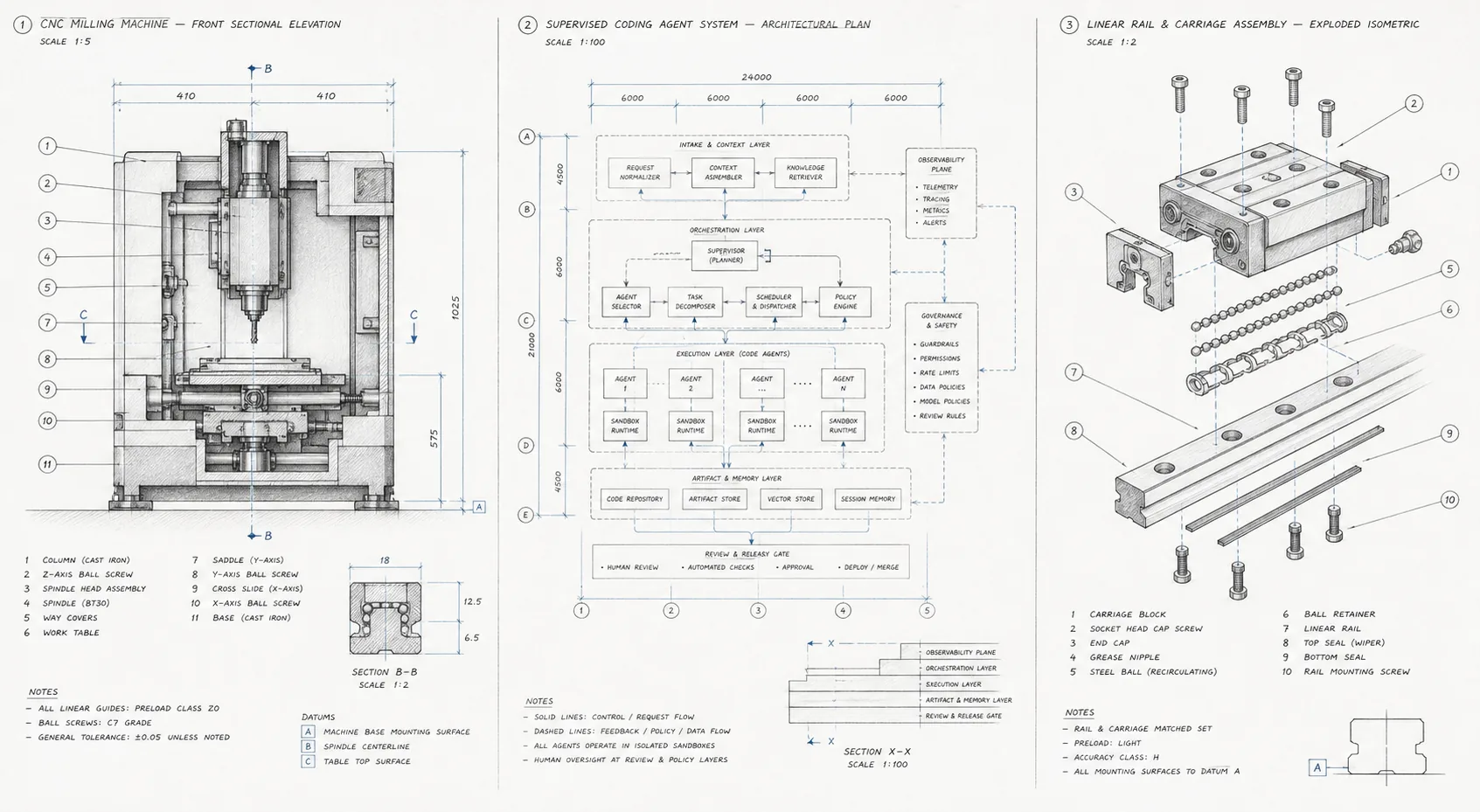
A single agent can write code. A reliable system also needs to define the work, review the result, handle failures, run checks, and keep a record of what happened.
Keep results, files and execution history together. Add test and review steps to your workflow so you can inspect the evidence before continuing.
Configure Codex, Claude Code, or another command-line harness on the worker. Choose a model for each task with a local alias.
Prompts, command definitions, and model aliases live in files. Change them in Git and use focused evaluations to check the result.
A workflow is an ordered list of agent prompts or scripts. Steps run automatically until one needs attention. Add an approval before building, or use a merge policy that sends higher-risk changes back for human review.
Prompts, commands, and models use TOML and Markdown that you can review and version.
Review a stage’s saved result. Approve the next step or send feedback and review a revised version.
Each step reads and writes a shared task folder. Machinist saves snapshots, keeps earlier versions, and lets you view text files or download any output.
Planning saves plan.md. You review it before build starts. Both stages use the same task folder; there are no file-input mappings to wire up.
Agent writes plan.md
Approve or request changes
Agent reads the plan and implements it
[workflows.plan_then_build]
steps = ["plan", { command = "build", approval = "before" }]
Prefer one agent? Use one step. Want automatic merging? The optional classify-then-merge example only auto-merges small, low-risk documentation changes after checks pass. Other changes require approval; missing checks or a changed reviewed commit block merging.
Set up your first task workflowMachinist stores ordered events, terminal outcomes, duration, and reported token use. It also includes a focused evaluation for the GitHub issue lifecycle. Broader outcome scoring and configuration comparison are planned, but are not part of the product yet.
Machinist runs command-line executors configured on your worker. The worker maps model aliases to real model names and keeps credentials on the machine that runs the task.
# Bring your own harness and model aliases
[executors.codex]
command = ["codex", "exec", "--json", "--model={{machinist.model}}", "--sandbox", "danger-full-access", "-"]
models = { fast = "gpt-5.6-luna", deep = "gpt-5.6-sol" }

[executors.your_agent]
command = ["your-agent", "run", "--model={{machinist.model}}"]One Go binary contains the CLI, local control plane, managed worker, SQLite history, and browser interface. No hosted account is required.
Compile one local binary from the open-source repository.
Create editable defaults for commands, executors, and your local worker.
Send a narrow GitHub issue through the supervised production line.
Start with a small issue that has a clear result. Machinist will plan it, build it, review it, wait for checks, and hand the pull request back to you.